
IERG 4851

Introduction
to CTF

A hands-on way to learn security by solving safe, organizer-made puzzles.

Instructor: Yajin Zhou Homepage

Today, we will look at what CTF players do, how this lab works, and two real challenge examples.

Credits: IERG 4851 course outline and Software Security reference by Professor Zhou Yajin · picoCTF / CyLab Security Academy · CTFtime task 9569 · Glory of the Garden writeup · OverFlow 0 writeup
CTF is a safe place to solve security puzzles.

The organizer gives you a file, program, website, or dataset. You look for clues, make a guess, test it in the allowed environment, and submit a flag.

01

The challenge

The organizer gives you one isolated target and tells you the rules.

02

The clues

You might find them in code, files, logs, metadata, or program behaviour.

03

Your idea

You make a sensible guess about what the clues are telling you.

04

The flag

You submit the exact string that proves your idea was right.

Only work on the targets and files the course or organizer gives you. A CTF is practice with permission, not permission to test real systems.

Forensics: Glory of the Garden

picoCTF 2019

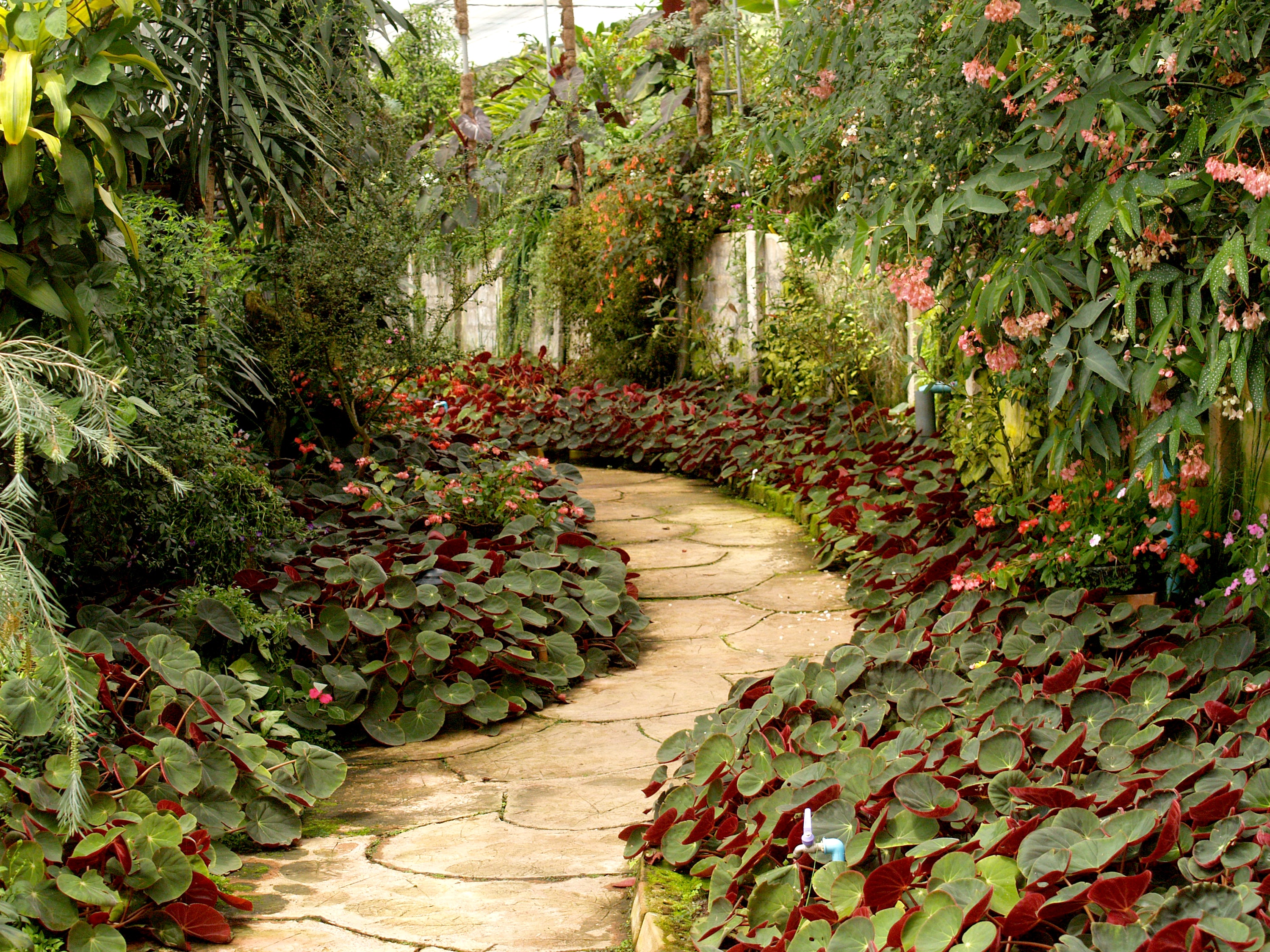
Here is all you get: a JPEG image and this line: “This garden contains more than it seems.”

Question for the room
Are the visible pixels the only thing stored in this file?
Classroom copy is an organizer-provided challenge image. Work only with the supplied file.
The original garden image supplied for the Glory of the Garden challenge
It looks like an ordinary garden photo. That is exactly the point.

Look closely, then try one small check.

1

Read the hint

We got an image, not a live website. The hint tells us there may be more here than we can see.

2

Try a simple check

Search the supplied image for readable text. A JPEG can carry metadata, comments, or extra data.

3

Check what we found

In this verified file, the flag starts at byte 2,295,150. Look for the complete flag format, then submit it.

$ strings garden.jpg | grep 'picoCTF{'

picoCTF{more_than_m33ts_the_3y3657BaB2C}

What should we learn from this?

A file can hold more than its normal viewer shows. The useful habit is asking, “what else is in this file?”

Pwn: OverFlow 0

picoCTF 2019 · 100 points
Real historical task page

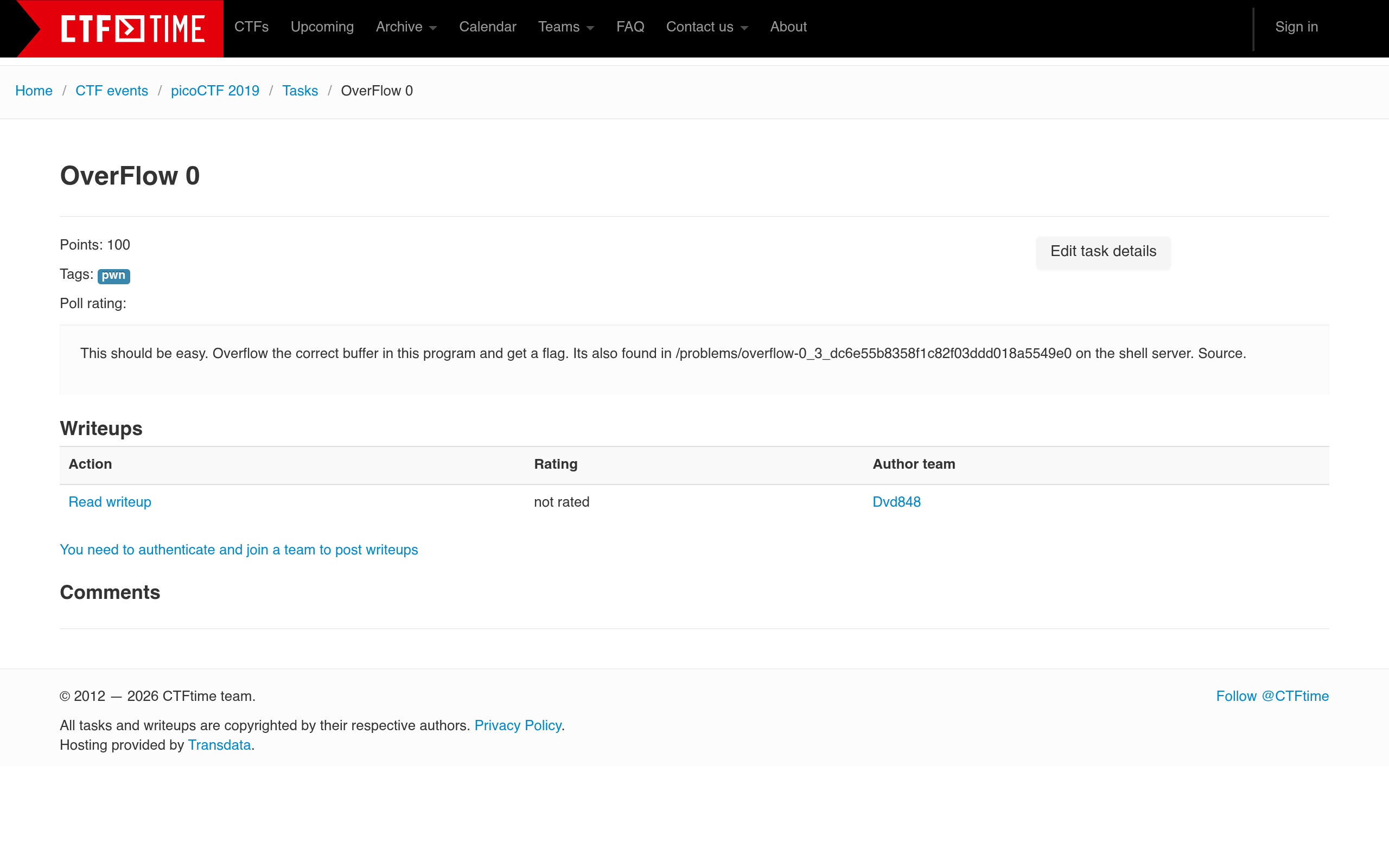
This is the actual CTFtime listing. Before we pick a tool, the first question is always: what did the task give us?

Screenshot of the historical CTFtime page for picoCTF 2019 OverFlow 0
Captured from CTFtime task 9569.

What can we see here?

The page gives the title, category, 100 points, the exact goal, a shell-server path, and a Source link.


What should beginners learn?

Different Pwn tasks package resources differently. Some give a binary only; some also give source; some give a remote service. Read the task page first.

We will return to stack memory, shellcode, and control-flow hijack in the Pwn weeks. Today, just learn to identify what the organizer supplied.

Today’s in-class exercise: six tasks.

Open ~/pwn-basics and complete the six numbered tasks in order. This is not graded: it helps us understand the class's starting point.

What to do

Read the README.md in each folder and write a short answer for its questions. Use normal observation tools such as file, readelf, objdump, and gdb.

Report deadline

Submit your report on Blackboard by 23:59, 17 September, before the next class. This report is not graded.

Try your best. It is completely fine if you cannot finish every task. The goal is not a score; it is to see what you already know and where we should start teaching.

Today’s tasks 1-3

Read the supplied program or binary. Record the command you used and a one- or two-sentence answer.

01 · ELF BASICS

What kind of file is this?

Use file and readelf -h. Is it ELF32 or ELF64? Which CPU architecture and entry point does it report?

02 · ARGUMENTS

How are values passed?

Use objdump -d -M intel. Which registers carry arguments 1-6 on x86-64 Linux? Where is argument 7?

03 · BRANCHES

Which path runs?

Inspect the conditional comparison in is_class_key. Which jump selects the non-matching path? Confirm with normal input.

Today’s tasks 4-6

These are still observation and reasoning tasks. We will teach exploitation techniques later in the term.

04 · GDB STACK

What is on the stack?

Break at inspect_stack. Where is greeting stored, and how much stack space did the compiler reserve?

05 · COPY REVIEW

Where is the boundary?

Read the source. How many bytes can name hold, and why is an unbounded copy unsafe? Suggest a bounded replacement.

06 · SHELLCODE SETUP

What makes this lab special?

Use readelf -W -l. What permission does GNU_STACK show, and why is it relevant to this local demonstration?

Today’s server access

Use the personal account created for you. Your work stays in your own home directory.

Username

u + your student ID

Password

Announced in class

Server address

Announced in class

Your workspace

Your personal home directory